10 Best Visual Voicemail Applications in 2026 | Top Picks | PowerDialer.ai
Find the 10 Best Visual Voicemail Applications in 2026. Transcribe voicemail & manage calls smarter. Try the best app now!
The Top Visual Voicemail Apps of 2025 are revolutionizing the way we deal with calls. Those days of dialing into a voicemail, listening to lengthy recordings, and losing valuable time are gone. Now, visual voicemail apps allow you to see, manage, and even have transcribed your voicemails from your phone or computer.
Whether you’re a busy executive handling dozens of calls daily, a small business owner who can’t afford to miss leads, or just someone who finds traditional voicemail frustrating, these apps are a game-changer. With features like voicemail transcription, spam call blocking, and cloud syncing, voicemail is no longer a headache; it’s a productivity tool.
In this guide, we’re going to review the top 10 visual voicemail apps in 2025, including their features, advantages, disadvantages, and reasons why they are good.
Top 10 Visual Voicemail Apps You Should Use
1. Google Voice
Google Voice is one of the most popular visual voicemail apps due to its free nature and seamless integration with Gmail and Google Workspace. It supports call forwarding, voicemail storage, and voicemail transcription so you can read messages rather than hear them. The interface is simple and easy to navigate, thus ideal for both business and personal calls. A major plus is that it supports Android, iPhone, and browsers on desktop. The free transcription option allows you to scan messages in a hurry without having to dial in. Though it has fewer advanced features than paid apps, and mainly supports users in the U.S. In general, it’s the best option for Google Workspace users and small companies that are interested in a free voicemail viewer.
Features
- Free management of voicemail via a Google account.
- Voicemail transcript for rapid reading.
- Call forwarding among multiple devices.
- Works perfectly with Gmail and Google Workspace.
- Cross-platform compatibility (Android, iPhone, web).
- Cloud storage of voicemail.
- Ability to block unwanted numbers and spam.
Pros:
- Free to use with a Google account.
- Works across devices (Android, iPhone, and web).
- Transcribes voicemail to text for quick reading.
- Integrates well with Gmail and Google Calendar.
Cons:
- Limited advanced features compared to premium voicemail solutions.
- Works best in the U.S., not fully global.
- Best for individuals and small businesses already using Google Workspace.
2. InstaVoice® Visual Voicemail
InstaVoice is more than standard voicemail products, providing unlimited cloud storage, so your messages never get lost. It not only offers transcription of voicemail, but it also informs you of missed calls when you are off or out of range. Having multi-device access, you are also able to access your voicemail from both iOS and Android devices without limits. The app is particularly ideal for businesspeople with multiple SIM cards or business lines. Although there are some premium features that cost money, even the free version has good functionality. A disadvantage is that the interface is cluttered for new users. Nevertheless, it’s a trustworthy voicemail management app for individuals who desire storage, transcription, and flexibility.
Features
- Cloud storage for unlimited voicemails.
- Missed call notification, even when the phone is turned off.
- Voicemail to text transcription.
- Support for both Android and iPhone.
- Multi-SIM handling with the capability for multiple numbers.
- Choice of managing voicemails through email.
- Simple backup and restore option.
Pros:
- Unlimited cloud storage for voicemails.
- Multi-device support for Android and iPhone.
- Robust voicemail transcription.
- Supports dual SIM cards.
Cons:
- Some advanced features are reserved for premium pricing.
- Interfaces may seem cluttered for new users.
- Perfect for professionals handling multiple devices or SIMs.
3. YouMail

YouMail is not just a voicemail app; it’s a voicemail replacement app that millions rely on. It’s famous for its spam blocking and robocall filtering, which prevents unwanted calls while keeping essential voicemails in line. It also offers voicemail transcription, and you can read messages at a glance. One unique aspect is the creation of personalized voicemail greetings for specific callers, which adds a professional touch. The free plan includes beneficial features, but storage capacity and superior spam protection require a paid account. The drawback, however, is that light users might be deterred by the premium price. In all, YouMail is an effective voicemail program for professionals, businesses, and individuals bothered by spam calls.
Features
- Advanced robocall protection and spam blocking.
- Smart voicemail transcription.
- Custom voicemail greetings for various callers.
- Detailed voicemail viewer with history of messages.
- Cloud storage for voicemails.
- Supports Android and iOS devices.
- Voicemail-to-email delivery feature.
Pros:
- Robust built-in robocall blocking and spam protection.
- Custom voicemail greetings for various callers.
- Detailed voicemail viewer with transcription.
- Cloud storage for valuable messages.
Cons:
- Limited storage for the free version.
- Premium subscriptions are needed for enhanced spam blocking.
- Ideal for companies and individuals who are bombarded with spam calls.
4. Voxist

Voxist is created as a professional voicemail assistant that simplifies missed calls. It offers multilingual voicemail transcription, which makes it perfect for international teams or worldwide business professionals. The app also supports personalized greetings, so clients and business partners get personalized messages when you can’t answer. Its voicemail viewer is user-friendly and synchronizes across devices seamlessly. Although certain features are offered only with a paid subscription, its accuracy and professionalism offered are well worth it. Its one downside is that occasional users might find it too feature-rich for personal usage. Nevertheless, Voxist is a high-end voicemail management solution for sales teams, business people, and international business customers.
Features
- Global voicemail transcription in multiple languages.
- Personal and business custom voicemail messages.
- Operates on Android and iPhone.
- Syncs voicemails on multiple devices.
- Voicemail message forwarding via email.
- Smart caller ID for a more efficient organization.
- Clean, easy-to-use voicemail display.
Pros:
- Has multiple language transcription support.
- Professional business custom greetings.
- Syncs between devices.
- Easy voicemail viewer.
Cons:
- Requires a paid subscription for full functionality.
- It can be too complex for the average user.
- Best for international business people and sales teams.
5. T-Mobile Visual Voicemail
T-Mobile Visual Voicemail is a carrier-hosted voicemail app specifically designed for T-Mobile users. It is pre-installed on most T-Mobile Android phones, so getting started is fast and easy. The program features an intuitive interface that allows you to view, play, save, and forward voicemails without needing to access the voicemail system by dialing in. Though it does not have as many high-end features as standalone apps, it offers solid voicemail functionality to T-Mobile subscribers. The drawback is that it’s carrier-locked, meaning non-T-Mobile users can’t get it. Also, transcription capabilities may differ based on plan and device. Nevertheless, for T-Mobile subscribers seeking a simple voicemail viewer, this app is the ideal choice.
Features
- Installed as a preloaded app on most T-Mobile Android devices.
- Voicemail viewer with an inbox-like interface.
- Ability to save and share voicemails.
- Does not require manually dialing voicemail.
- Simple setup for T-Mobile customers.
- Voicemail-to-text option (dependent on plan).
- Integrated carrier implementation provides reliability.
Pros:
- Already installed for T-Mobile subscribers.
- Easy-to-use voicemail viewer interface.
- Supports saving and sharing of voicemails.
- Operates without dialing voicemail numbers.
Cons:
- Exclusive for T-Mobile subscribers.
- Fewer advanced features than standalone voicemail apps.
- Suitable for T-Mobile customers looking for an easy solution without third-party apps.
6. Cricket Visual Voicemail
Cricket Visual Voicemail is a bare-bones voicemail solution designed for Cricket Wireless subscribers. It puts messages into an inbox-style format, so you can view who called and when without having to dial voicemail. You can simply listen, save, or delete messages by tapping. Although it provides basic transcription, its main advantage is simplicity and convenience. Because it’s connected to Cricket Wireless, it won’t work with other carriers. Another drawback is that higher-end business-friendly features are not present in comparison to third-party apps. With these drawbacks, it’s a great voicemail app for Cricket customers looking for a simple, no-nonsense voicemail program that does everything out of the box.
Features
- Baskets voicemails into a clean inbox view.
- Voicemail plays right within the app.
- Save, delete, and archive voicemails with ease.
- Supports voicemail notifications.
- Available for Cricket Wireless customers.
- Lightweight and simple interface.
- Optional voicemail-to-text transcription.
Pros:
- Easy play and storage.
- Built-in for Cricket users.
- Works on most Android devices.
- Doesn’t involve dialing voicemail.
Cons:
- Carrier locked, not usable outside Cricket Wireless.
- Few transcription features.
- Best for Cricket users who need voicemail-to-text without additional apps.
7. AT&T Visual Voicemail
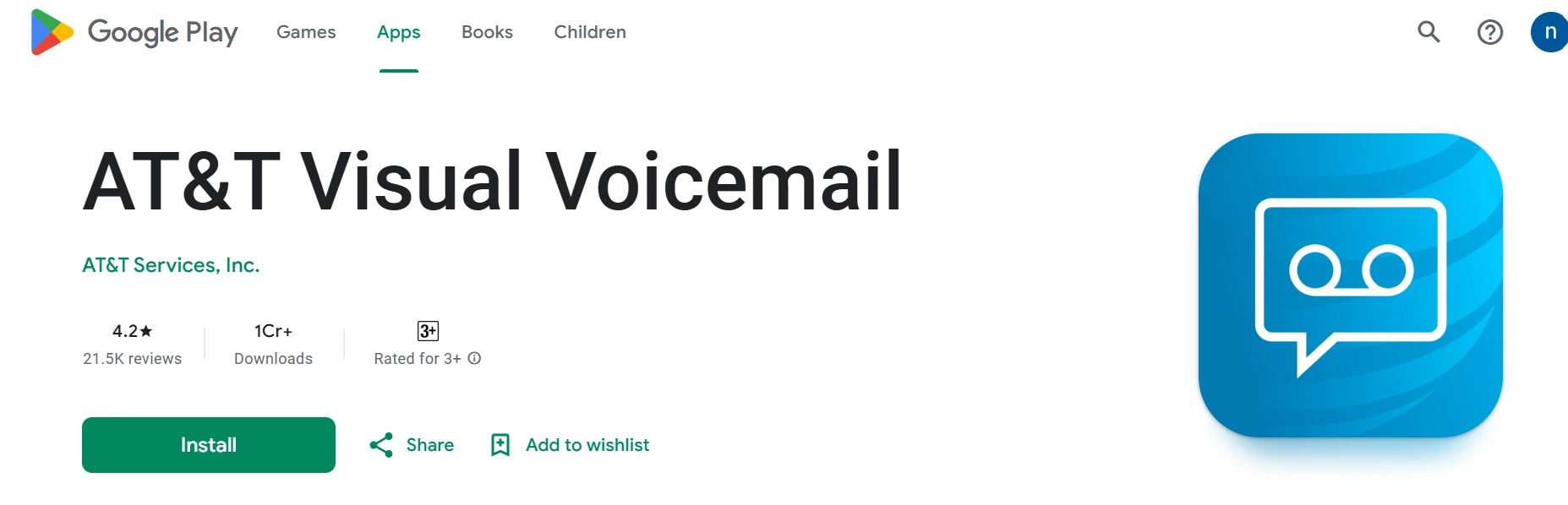
AT&T Visual Voicemail provides an integrated voicemail organizer for AT&T customers, providing them with a convenient way to see and transcribe messages. Both Android and iPhone have it, allowing voicemails to be sorted into a neat inbox display. The transcription aspect enables you to view messages without listening, and that saves you time. Because it’s part of AT&T’s system, it’s stable and doesn’t need much setup. It’s not for other customers, though, and certain aspects vary with the device you have. It doesn’t have the sophisticated spam-blocking capabilities of apps such as YouMail. Still, if you’re already an AT&T subscriber, it’s a solid voicemail-to-text app that’s built to work with your carrier plan.
Features
- Integrated with the AT&T network for seamless use.
- Voicemail-to-text transcription.
- Works on both Android and iPhone.
- Easy-to-read voicemail viewer with caller details.
- Secure voicemail storage.
- Supports notifications and message forwarding.
- Reliable carrier-backed voicemail management.
Pros:
- Reliable voicemail transcription.
- Works on both Android and iPhone.
- Integrated into AT&T plans.
- Easy voicemail viewer.
Cons:
- Only available for AT&T customers.
- Features may vary based on device.
- A reliable option for AT&T subscribers who require voicemail for iPhone or Android.
8. Hullomail Voicemail
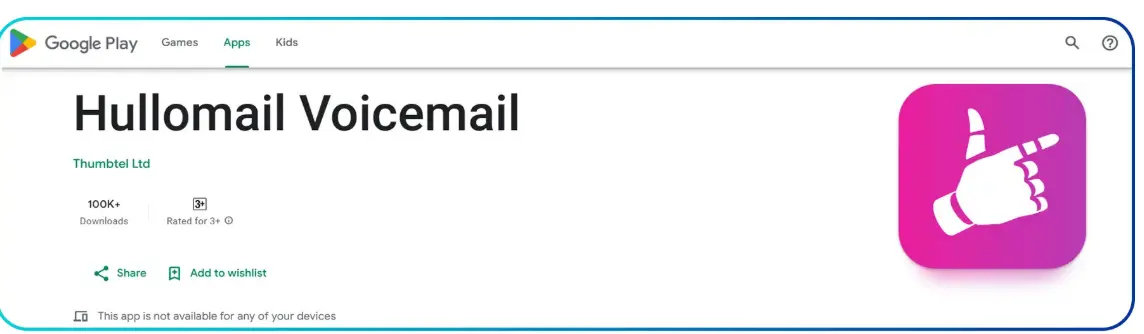
Hullomail is a multi-purpose visual voicemail application that complements personal and professional use. It offers voicemail transcription, allowing easy management of messages. A notable feature is the support for sending voicemails by email, ideal for business and team communications. With cloud storage, you can save valuable messages and retrieve them at any time. The free account has limitations, although the premium one opens up more advanced features, such as unlimited storage. The app is widely used among freelancers and small businesses seeking trustworthy voicemail archiving. The only limitation is that it needs a subscription for complete functionality. Generally, Hullomail is an intelligent option for users seeking voicemail flexibility and business integrations.
Features:
- Precise voicemail transcription.
- Cloud storage for valuable messages.
- Share voicemails by email.
- Works on Android and iOS.
- Visual inbox with message categorization.
- Spam call blocking and filtering.
- Premium plan for unlimited storage.
Pros:
- Cloud storage for valuable messages.
- Share voicemails by email.
- Precise voicemail transcription.
- Suits business users well.
Cons:
- The free model is limited.
- Some features are only in the premium.
- Suitable for freelancers and businesses who require voicemail archiving.
9. My Visual Voicemail
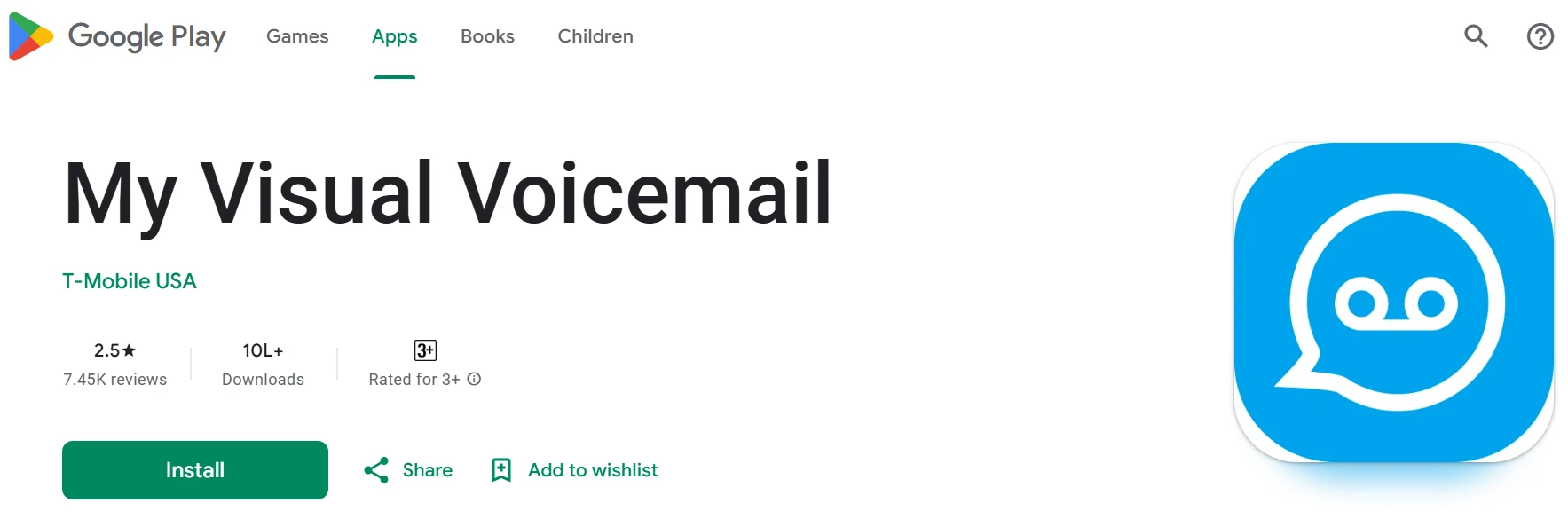
My Visual Voicemail is a lightweight, easy-to-use visual voicemail client for Android. It lists voicemails in an easy-to-read list, enabling you to quickly play, delete, or archive messages. This app eschews feature-rich competitors in favor of providing a clean and functional experience. It’s particularly handy for Android users who desire a free voicemail viewer without unnecessary bells and whistles. It does not support advanced voicemail transcription, however, or cloud syncing. Another drawback is that it’s only for Android devices, so iPhone users are excluded. Even with these drawbacks, it’s one of the best options for those who need a plain ol’ voicemail app that will work on most carriers without fail.
Features:
- Lean and simple voicemail viewer.
- Easy to archive and delete messages.
- Free download for Android devices.
- Organizes voicemails into an inbox-like arrangement.
- Works with several U.S. carriers.
- Push notifications for new voicemails.
- Sleek design with few extras.
Pros:
- Simple design with minimal clutter.
- Easy voicemail organization.
- Allows archiving and deleting messages.
- Free to use for most Android carriers.
Cons:
- Limited advanced features.
- Only available for Android.
- Great for Android users who want a no-frills voicemail app.
10. HiVoicemail
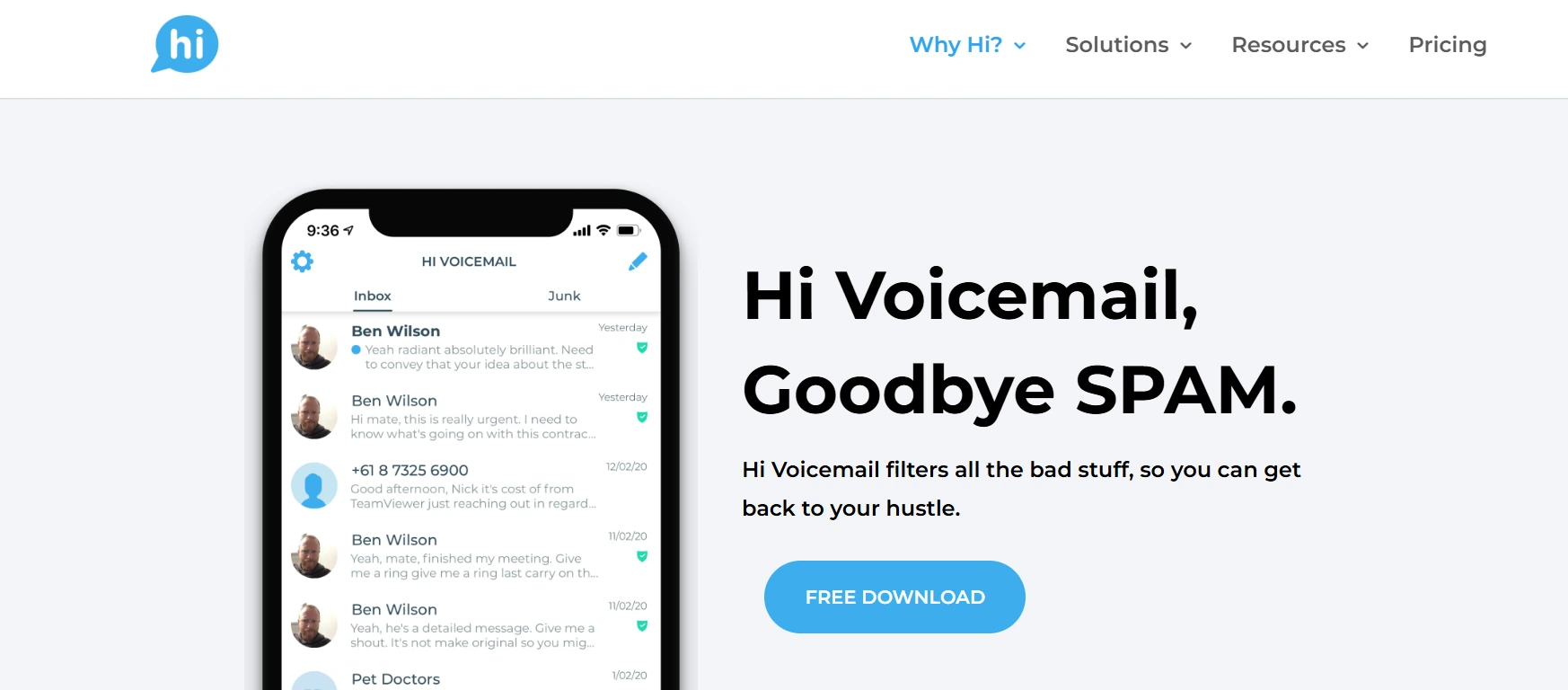
HiVoicemail is a newer AI-powered voicemail app that brings modern technology to voicemail management. It uses artificial intelligence for voicemail transcription, providing accurate text versions of your messages. It features a simple and intuitive interface, which allows you to get around your voicemail inbox easily. Secure cloud syncing provides the ability to pick up messages on different devices without losing any information. Although it’s available on Android and iPhone, some of the features are restricted in the free app, with the paid options offering more. As it’s quite new, the app is continually developing, which could introduce even more advanced features in the future. In total, Hi Voicemail is an excellent option for users who are tech-savvy and desire contemporary, AI-based voicemail software.
Features:
- AI-transcribed voicemail for precision.
- Modern, easy-to-use voicemail viewer.
- Secure cloud syncing with multi-device access.
- Available on Android and iPhone.
- Search features for saved voicemails.
- Push notifications with instant updates.
- Customizable settings for managing voicemail.
Pros:
- AI-based voicemail transcription.
- Clean, modern voicemail viewer.
- Secure cloud syncing.
- Compatible with both Android and iPhone.
Cons:
- Fresh app, still being developed.
- Few free features.
- A wise decision for technologically savvy consumers who seek contemporary voicemail apps.
Why Utilize Visual Voicemail Apps?
Primary Advantages
- Time-Saving: Rather than hearing lengthy voicemails, you can rapidly read them with voicemail transcription.
- Spam Protection: Most apps filter out robocalls and spam messages.
- Cloud Storage: Never miss crucial messages; voicemails are stored in the cloud.
- Professionalism: Personal greetings make you appear more professional to clients and customers.
Who Requires Visual Voicemail?
- Busy executives who receive numerous calls every day.
- Remote workers who require assured access on all devices.
- Sales teams that simply can’t afford to miss leads.
- Regular users are fed up with standard voicemail.
How to Select the Perfect Visual Voicemail App
Things to Consider
- Carrier compatibility (AT&T, T-Mobile, Cricket).
- Accuracy of transcription for voicemail-to-text apps.
- Cost: Free versus premium subscription.
- Additional Features: Spam filtering, multi-device synchronization, or business integrations.
Conclusion
The Best Visual Voicemail Apps in 2025 do more than play voicemails back; they save you time, reject spam, and make communication smooth. To get it all in one place, YouMail and Voxist are the apps for you. If you’re bound by a carrier, then T-Mobile or AT&T Visual Voicemail is are good choice. For free and consistent use, Google Voice still takes the cake.
Ready to take your communication efficiency to the next level?
Supplement these apps with PowerDialer.ai, an intelligent sales dialer for teams that close more deals, faster. Schedule a demo today with PowerDialer.ai.
FAQs about Visual Voicemail Apps
Q1. What is a good free visual voicemail app?
Google Voice and YouMail offer great free voicemail-to-text apps.
Q2. Do I require a particular carrier for visual voicemail?
Some apps are dependent on carriers (AT&T, T-Mobile, Cricket), but some (Voxist, Hullomail) are standalone.
Q3. Can visual voicemail be accessed on iPhone and Android?
Yes, the majority of apps are compatible with both platforms.
Q4. Are visual voicemail apps secure?
Yes, leading apps employ encryption and cloud-based security to protect data.
Q5. Which app is ideal for businesses?
YouMail and Hullomail are excellent business voicemail solutions for small companies, providing spam blocking and cloud archiving.
Try it on your own list
Per-seat pricing, published, with no seat minimum. See the pricing.