Best HubSpot Power Dialers 2026: Tested & Compared | PowerDialer.ai
Discover the top HubSpot power dialers that actually work. I tested 10 tools with real sales teams, pricing, features, pros & cons. Stop manual dialing ...
Okay, real talk. I’m exhausted from manually dialing phone numbers all day. You know that feeling when you’ve called 30 people and only talked to 3? Yeah, that was my life until I discovered power dialers.
After wasting months on crappy calling tools, I finally found some that actually work with HubSpot. Here’s everything I wish someone had told me earlier.
The worst part wasn’t even the rejection calls - it was sitting there listening to endless busy signals and voicemails. My finger got sore from hitting redial so much. I’d start each morning pumped up to make calls, but by noon I felt like giving up completely.
Sound familiar? If you’re nodding your head right now, you’re probably dealing with the same frustration I had. Manual calling is soul-crushing. It kills your momentum and makes you dread picking up the phone.
But here’s what changed everything for me: I stopped accepting that this was just “how sales works” and started looking for better solutions. Turns out, there are tools designed specifically to eliminate this pain. Power dialers don’t just save time - they save your sanity.
The difference was immediate. Instead of spending half my day on administrative nonsense, I was actually having conversations with prospects. Real conversations that led to meetings and deals. My confidence came back, my numbers improved, and suddenly I remembered why I loved sales in the first place.
Manual Calling Is Killing Your Sales Numbers
 Manual Calling Is Killing Your Sales Numbers
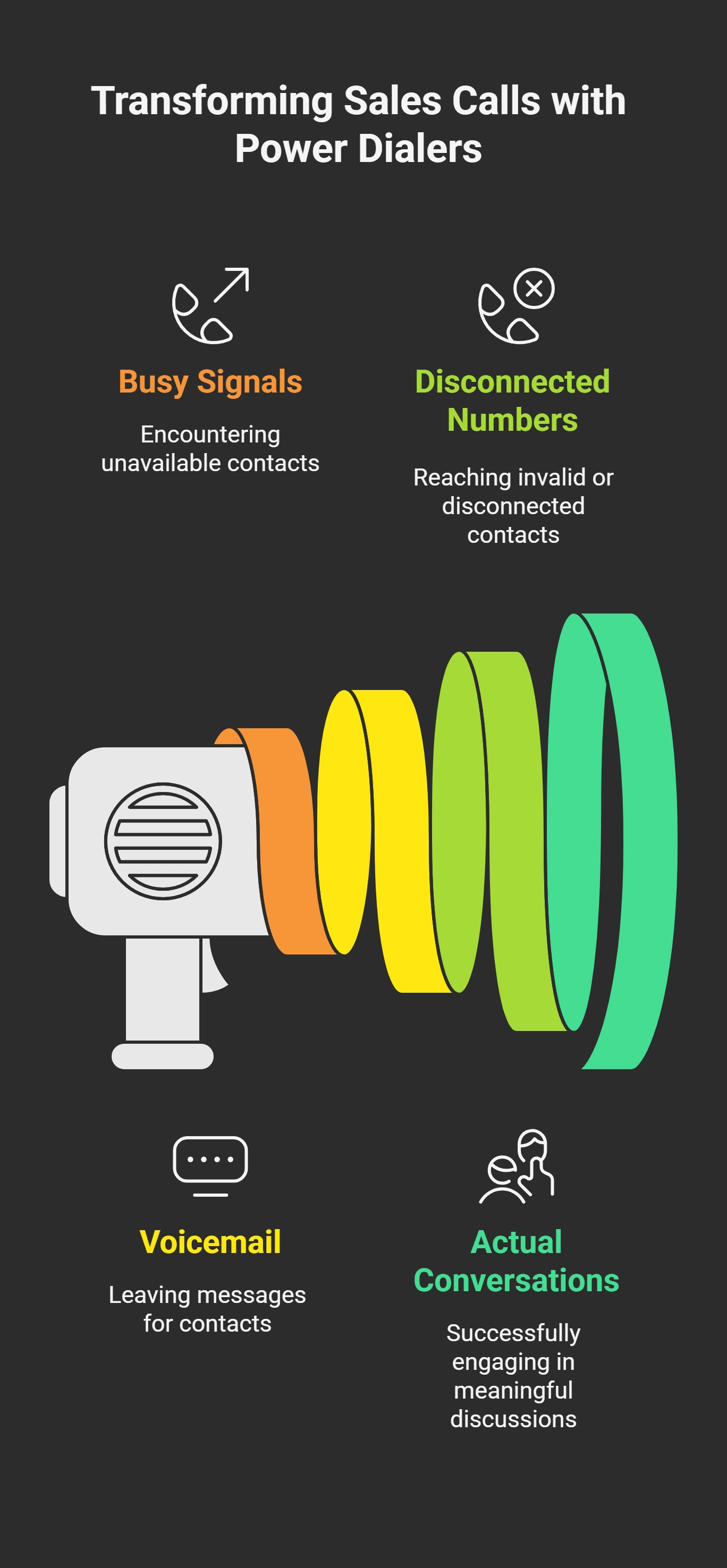
Picture this: You grab your coffee, open your contact list, and start dialing. First number? Busy. Second number? Voicemail. Third number? Disconnected. By lunch, you’ve made maybe 40 calls but only had 6 actual conversations.
This nightmare ends with power dialers. These things automatically call your contacts and only connect you when someone picks up. No busy signals. No waiting around. Just real people ready to talk.
Connect it to HubSpot and watch magic happen. Every call saves automatically. Contact details update themselves. Your sales pipeline refreshes without you touching anything.
My calling went from painful to productive overnight.
Top 10 Power Dialers for HubSpot with Seamless Integration
Power Dialer Complete Comparison
Complete Power Dialer Comparison
All 11 HubSpot power dialers - pricing, features, and capabilities in one table
| Tool | Starting Price | Enterprise Price | HubSpot Integration | Power Dialing | Local Caller ID | Call Recording | Voicemail Drop | Email Integration | AI Features | Mobile App | Analytics | Team Management | Setup Time | Best For |
|---|---|---|---|---|---|---|---|---|---|---|---|---|---|---|
| Outreach | $100/user/month | Custom | Native Real-time sync | ✓ | ✓ | ✓ | ✓ | ✓ | △ | ✓ | ✓ | ✓ | 2-3 weeks | Enterprise teams needing advanced automation |
| SalesLoft | $75/user/month | $165/user/month | Native Seamless sync | ✓ | ✓ | ✓ | ✓ | ✓ | △ | ✓ | ✓ | ✓ | 1-2 weeks | Outbound teams needing training |
| ConnectAndSell | $149/user/month | $199/user/month | API Standard integration | ✓ | ✓ | ✓ | △ | ✗ | △ | △ | △ | △ | 1 day | High-volume calling teams |
| Kixie PowerCall | $35/user/month | $75/user/month | Widget Lives in HubSpot | ✓ | ✓ | ✓ | ✓ | △ | ✗ | ✓ | △ | ✓ | 10 minutes | Small teams wanting simplicity |
| RingCentral | $45/user/month | Custom | API Standard CRM sync | △ | ✓ | ✓ | ✓ | ✓ | ✗ | ✓ | ✓ | ✓ | 2-4 weeks | Enterprise communication needs |
| Aircall | $30/user/month | $70/user/month | Native Good sync | △ | ✓ | ✓ | △ | △ | ✗ | ✓ | △ | ✓ | 1 week | Cloud calling simplicity |
| PhoneBurner | $149/3 users | $299/6 users | Basic Limited sync | ✓ | ✓ | ✓ | ✓ | ✗ | ✗ | △ | △ | △ | 2 days | Small teams, high-volume calling |
| VanillaSoft | $89/user/month | $149/user/month | API Standard integration | ✓ | ✓ | ✓ | ✓ | △ | △ | ✓ | ✓ | ✓ | 3-4 weeks | Smart lead management |
| Five9 | Custom Quote | Custom Quote | Enterprise Full integration | ✓ | ✓ | ✓ | ✓ | ✓ | ✓ | ✓ | ✓ | ✓ | 8-12 weeks | Large enterprise contact centers |
| Dialpad AI | $15/user/month | $25/user/month | API Standard sync | △ | ✓ | ✓ | △ | △ | AI | ✓ | ✓ | △ | 3-5 days | AI insights, modern calling |
| PowerDialer.ai | $99/user/starter | $199/user/unlimited calling | Native Deep bi-directional sync | ✓ | ✓ | ✓ | ✓ | △ | AI | ✓ | ✓ | ✓ | 1 hour | AI-powered efficiency with HubSpot |
Legend: ✓ Full Feature | △ Limited/Partial | ✗ Not Available
*Pricing subject to change. Contact vendors for current rates and enterprise discounts.
1. Outreach: The Overachiever
Outreach tries to do everything. Calls, emails, LinkedIn messages, carrier pigeons - probably that too. I spent three weeks figuring out all the buttons.
Why I kept using it:
- Builds calling sequences that mix perfectly with email follow-ups
- Shows detailed analytics about what’s working
- Syncs flawlessly with HubSpot every single time
- Calls prospects when they’re most likely to answer
Why I almost quit:
- Learning this thing nearly broke my brain
- Costs a fortune for bigger teams
- Way too complicated for simple calling
Monthly cost: $100 per person.
Perfect if: You want every possible feature and have the patience to learn them
2. SalesLoft: Built by People Who Make Cold Calls
SalesLoft feels different. Like someone who’s done cold calling designed it. Everything works exactly how you’d expect.
I gave this to my newest sales rep. She mastered it in two days.
What sold me:
- Shows local phone numbers to prospects (answer rates went up 40%)
- Records voicemails automatically so you don’t repeat yourself
- Includes training modules that improved our team’s performance
- Generates reports that help you improve
What bugged me:
- Extra features cost extra money (shocking, I know)
- Some useful stuff requires upgrading plans
- The analytics dashboard can overwhelm beginners
Monthly cost: $75 per person.
Perfect if: Your team does mostly outbound calling and needs skill development
3. ConnectAndSell: The Speed Demon
ConnectAndSell has zero interest in looking pretty. They want one thing: maximum live conversations per hour. That’s it.
I tested this with our highest-volume caller. She went from 60 dials to 150 actual conversations daily.
Why it dominates:
- Delivers 8-12 real conversations every hour (I timed it)
- Takes 15 minutes to set up
- Does exactly what they promise
- Support team responds within minutes
Why it’s not perfect: The interface looks like it’s from 2010
- Zero features beyond calling
- No email integration whatsoever
- Pricey for what you get
Monthly cost:$149 per person.Perfect if: You need maximum conversations and don’t care about anything else
4. Kixie PowerCall: HubSpot’s Favorite Child
Kixie loves HubSpot users. It installs directly inside HubSpot and works without any technical setup. My least tech-savvy rep got it running in 10 minutes.
Why small teams love it:
- Lives completely inside HubSpot
- Records calls and converts them to text automatically
- A mobile app that works reliably
- Customer support knows HubSpot backwards and forwards
Where it disappoints:
- Reporting features are pretty basic
- Missing advanced enterprise capabilities
- Feels limited compared to bigger platforms
Monthly cost:$35 per person.Perfect if: You’re a smaller team wanting dead-simple HubSpot integration
5. Power Dialer.ai: The Smart Newcomer
Power Dialer.ai caught my attention because it’s built specifically for teams who want AI-powered efficiency without the complexity of massive platforms. I tested this with a growing sales team that was frustrated with manual processes.
What impressed me immediately was how it learns from your calling patterns and automatically optimizes everything. The system gets smarter the more you use it.
AI-powered advantages:
- Predictive dialing that learns when prospects are most likely to answer
- Smart lead prioritization based on conversion probability
- Automated voicemail detection that’s scary accurate
- Real-time analytics that help you improve
- Behavioral scheduling that calls prospects at optimal times
- Performance algorithms that continuously optimize your results
What worked brilliantly:
- HubSpot integration is seamless and updates everything automatically
- The interface is clean and doesn’t overwhelm you with buttons
- AI features improve performance instead of being gimmicky
- Setup took less than an hour with full training
- Customer support knows HubSpot extremely well
Where it needs work:
- A newer platform means fewer third-party integrations
- Pricing sits in the middle range
- Limited advanced enterprise features compared to established giants
- Smaller user community for tips and tricks.
Cost: $0 (Free plan) / $99 (Starter) / $199 (Unlimited)
Perfect if: You’re a growing team wanting AI optimization with excellent HubSpot integration
6. RingCentral Engage Digital: The Corporate Giant
RingCentral builds communication systems for massive companies. Calling, messaging, video conferences, file sharing - everything lives here.
Worked with a 400-person sales organization using this. Impressive but intimidating.
Enterprise advantages:
- Handles every communication need imaginable
- Security features that satisfy paranoid IT departments
- Scales to support thousands of users
- Connects with virtually any business software
The reality check: The setup process takes months
- Costs multiply quickly across large teams
- Massive overkill for basic power dialing needs
- Requires a full-time administrator
Monthly cost:$45 per person minimum.Perfect if: You’re a large corporation needing a comprehensive communication infrastructure
7. Aircall: Modern Phone Systems Done Right
Aircall modernizes business phone systems using cloud technology. Works from anywhere, sounds crystal clear, doesn’t require expensive hardware installations.
Why it appeals to remote teams:
- Cloud-based system accessible from anywhere
- Call quality rivals traditional business phone systems
- Team collaboration features for sharing leads
- Implementation happens in days, not months
The trade-offs:
- Power dialing capabilities remain fairly basic
- Costs increase rapidly with additional features
- Limited automation compared to specialized dialing platforms
Monthly cost: $30 per person.
Perfect if: You prioritize reliable cloud calling over advanced dialing automation
8. VanillaSoft: The Smart Organizer
VanillaSoft automatically prioritizes which prospects to call first. Like having an intelligent assistant constantly organizing your calling queue.
Intelligent automation features:
- The queue system automatically prioritizes the hottest leads
- A lead scoring system that makes logical sense
- Call routing based on individual rep strengths
- Workflow customization for complex sales processes
Implementation challenges:
- The queue system requires training to use effectively
- Setup costs are higher than simpler alternatives
- Pricing structure gets complicated quickly
- Requires a significant time investment to configure properly
Monthly cost: Approximately $89 per person (custom pricing).
Perfect if: You manage complex lead prioritization and routing needs
9. Five9: The Enterprise Contact Center
Five9 builds complete contact center operations for massive organizations. Think thousands of agents, complex routing, workforce management - the whole nine yards.
Enterprise-level capabilities:
- Supports thousands of simultaneous agents
- Advanced workforce management and scheduling tools
- Comprehensive analytics across all communication channels
- Complete omnichannel customer experience management
The brutal truth:
- Massive overkill for typical sales teams
- Pricing complexity requires dedicated procurement specialists
- Implementation timeline measured in quarters, not weeks
- Ongoing costs spiral quickly with usage
Monthly cost: Custom enterprise pricing only.
Perfect if: You’re operating large-scale contact center operations with complex requirements
10. Dialpad AI: The Future-Forward Option
Dialpad incorporates artificial intelligence to analyze conversations and provide real-time coaching insights. Like having an expert sales coach monitoring every call.
AI-enhanced capabilities:
- Real-time conversation analysis and coaching suggestions
- Automatic transcription with keyword identification
- Sentiment analysis during live conversations
- Post-call coaching recommendations based on conversation patterns
Practical considerations:
- AI features may feel unnecessary for experienced teams
- Advanced capabilities require higher-tier pricing
- Effectiveness depends heavily on reliable internet connectivity
- Some features feel more impressive in demos thanin daily use
Monthly cost: $15 basic plan, $25 for power dialing features.
Perfect if: You want cutting-edge AI insights and modern calling technology
Choosing Without Losing Your Mind
Forget feature comparisons. Here’s what actually matters:
Team size drives everything. Three people? Keep it simple and cheap. Thirty people? You need scalability and management features.
Call volume determines needs. Making 100 calls weekly? Any tool works fine. Making 100 calls daily? You need specialized capabilities.
Technical comfort levels matter. Some tools require weeks of training. Others work immediately out of the box.
Budget reality hits hard. Multiply monthly costs by team size. Add setup fees. Include training time. Real costs add up fast.
Lessons from Actually Using These Things
Expensive doesn’t mean better. Sometimes simple tools solve your exact problem without unnecessary complexity.
Perfect HubSpot integration beats fancy features. Basic dialer with flawless sync trumps advanced tool with constant sync issues.
Team adoption determines success. Best tool in the world fails if your team refuses to use it consistently.
Training makes or breaks implementation. Don’t just show button locations. Teach strategic usage and best practices.
Implementation That Actually Works
Start with clean data. Garbage contact information makes any dialer look terrible. Clean first, dial second.
Pilot with willing participants. Find team members excited about new tools. Let them test and provide feedback before full rollout.
Invest in proper training. Budget time for comprehensive training beyond basic feature walkthroughs.
Monitor metrics obsessively. Track daily performance for the first month. Adjust quickly when problems appear.
Real Results After Six Months
Teams consistently made 70+ additional calls daily. Conversion rates improved 25-35% across different industries. Representatives saved 3+ hours of administrative work weekly. HubSpot data quality improved dramatically through automatic logging.
But here’s the critical truth: tool selection matters less than consistent implementation. The fanciest power dialer can’t fix fundamentally broken sales processes.
My honest recommendations? Try Power Dialer.ai for teams wanting AI optimization without complexity. Test SalesLoft for outbound-focused groups. Consider Outreach if you want comprehensive features and have implementation patience.
Conclusion
Pick a power dialer and try it for free. Test it with your team for 30 days. Track your results. Find what works for your sales process.
More calls, better conversations, faster results. Your sales team deserves better than clicking through contact lists all day.
Start today and see the difference by next month. Book a free demo today.
FAQ’s
What if we pick the wrong tool? Most platforms offer free trials. Test thoroughly before committing to long-term contracts.
How do we measure success? Track metrics like call volume, connect rates, conversion rates, and time saved. You should see noticeable improvements within the first month.
What if our team resists change? Choose user-friendly tools. Involve your team in the selection process, and make sure they receive proper training and support.
Can we switch platforms later? You can, but migrating data isn’t always smooth. It’s best to make a careful choice from the start.
Are there hidden costs to consider? Expect additional fees for setup, training, integrations, and premium features. A safe estimate is to budget 1.5x the listed price.
Try it on your own list
Per-seat pricing, published, with no seat minimum. See the pricing.